

Last updated: November 21, 2026
A secure crypto wallet depends on more than the app or device. Your recovery phrase, connected accounts and approved transactions all affect whether someone else can reach your assets.
These steps can reduce some common risks, but no setup removes every threat or possibility of loss. Check official product guidance because software and threats evolve.
Quick answer
Keep your recovery phrase offline and private, protect the devices and accounts used to access your wallet, and verify transaction details before signing. A hardware wallet can keep keys away from an internet-connected device, but it can’t prevent every scam, mistake or loss.
Secure crypto wallet setup, step by step
Choose the custody model deliberately. With self-custody, you control the keys and are responsible for the recovery phrase. An exchange provider holds or manages access, bringing exchange and account risks. Neither option removes the chance of loss. Learn how access is recovered before moving assets.
Create a fresh wallet through its official source. Download software from the provider’s official website or a verified app store listing, and follow the manufacturer’s instructions for a hardware device. Never use a phrase supplied by a seller, support agent or website. MetaMask recommends generating a new recovery phrase on a hardware wallet instead of importing one from a hot wallet.
Write down the recovery phrase offline. MetaMask says its self-custody Secret Recovery Phrase is typically 12 words; other wallets may use 18 or 24. The phrase controls access, and MetaMask can’t restore it if lost. Follow the wallet’s instructions, check the words and order, and keep the backup private and protected from damage. Don’t photograph it, type it into notes or email, or save it to cloud storage. Ethereum.org warns that screenshots can sync to cloud accounts and expose the phrase.
Keep the phrase secret, including from support. Anyone with it may be able to control the wallet. Don’t share it in a chat, enter it on a site reached through an unsolicited message, or give it to someone claiming to fix an account. Use a separate, strong password where supported, but remember it doesn’t replace the phrase.
Protect related accounts and devices. Use unique passwords and the strongest available multi-factor authentication for linked email and exchange accounts. CISA identifies FIDO/WebAuthn as phishing-resistant and warns SMS and voice codes can be vulnerable to phishing, SIM swaps and other attacks. See our guide to layered protection against SIM swapping. Keep device software updated, use a screen lock and avoid wallet software from unknown links.
Verify every transaction before approval. Check the recipient address, amount and fees in the wallet app and, if used, on the hardware wallet’s screen. Ledger’s guidance, last updated May 13, 2026, recommends checking both displays and sending a small test amount before a larger transfer. A test may catch an address or network mistake, but doesn’t prove the recipient or smart contract is trustworthy.
Review connected apps and permissions. A decentralized app may ask to move tokens. MetaMask warns that unlimited approval to a fraudulent or compromised contract can expose all of a token type. Review approvals and revoke those you no longer want. Revocation is an on-chain transaction that requires gas, and it won’t reverse transfers already made.

Wallet security options at a glance
No single setup suits everyone. These safeguards have limits to consider when you secure crypto wallet access.
| Safeguard | What it helps with | What it does not solve |
|---|---|---|
| Offline phrase backup | Reduces exposure to cloud, email and device compromise | Physical theft, damage or loss of the backup |
| Hardware wallet | Keeps signing keys separate from a typical online device | Scams, unsafe approvals or signing a misunderstood transaction |
| Strong account MFA | Helps protect email and exchange logins | Recovery-phrase theft or every account takeover method |
| Transaction review | Can reveal a wrong address, amount or fee before signing | A malicious destination or contract that looks legitimate |
| Approval review | Can limit unwanted token permissions | Completed transfers or the cost of an on-chain action |
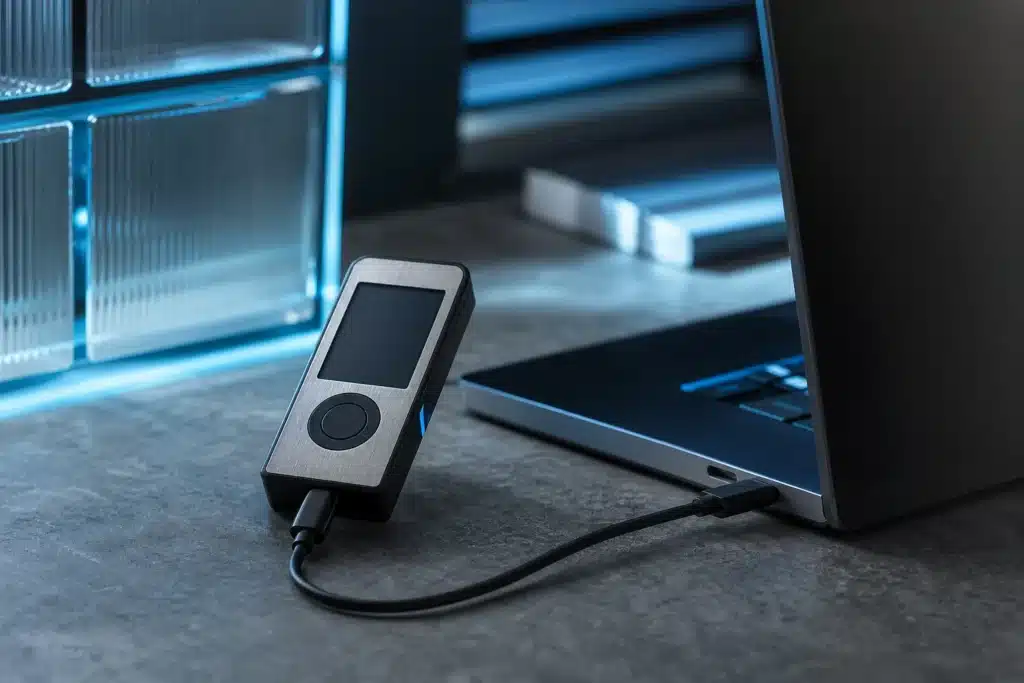
Use a hardware wallet with a phrase generated by that device and backed up offline, following the maker’s instructions. Its display matters because a compromised computer may show different details from the transaction you’re approving.
Common mistakes and risks
Storing a phrase digitally. A note, screenshot or cloud backup can turn one compromised account into wallet access. Ethereum.org says never to share recovery phrases or private keys. Treat unexpected requests for either as a serious warning.
Trusting a message because it looks official. Scammers may impersonate wallet support, exchanges or familiar services. Reach support through the provider’s official website, not a message link. Never reveal a phrase or private key to someone offering help.
Approving without reading. A signature can authorize a transfer or let a contract move tokens. Check what the wallet is asking you to approve and pause if it’s unclear. Revoking unwanted approvals may cost gas and won’t undo harm already done.
Assuming a device removes all danger. A hardware wallet reduces some online-key risks, but you can still approve a malicious transaction or lose the backup. Ledger reported on November 18, 2026, that its investigation had found tampered devices, with some reports still under investigation. For device concerns, check the manufacturer’s current official guidance and contact official support.
Wallet security addresses access and transaction authorization. It does not remove risks such as price volatility, exchange failure, regulatory changes, scams or irreversible transaction losses, or ensure that lost assets can be recovered.
Crypto wallet security FAQ
Does a secure crypto wallet prevent every loss?
No. Security measures can lower some risks, but they do not eliminate theft, mistakes, service failures or changes in asset value.
Where should I keep my wallet recovery phrase?
Keep a written backup offline in a private, protected place, following the provider’s instructions. Don’t store it in a screenshot, cloud account, email or message, and don’t share it.
Is a hardware wallet safer than a mobile wallet?
It changes the risk profile rather than removing risk. It can keep signing keys apart from an internet-connected device, but the phrase, setup and transaction approvals still need care. Use official software and check each request before signing.
If you use a wallet away from a trusted connection, read our guide to using a crypto wallet on public WiFi. Protect the recovery phrase, verify where you’re signing in and check transaction details on the wallet itself.
Sources
- How to secure your Secret Recovery Phrase and password (support.metamask.io)
- Ethereum security and scam prevention (ethereum.org)
- How to use a hardware wallet with MetaMask (support.metamask.io)
This article is for informational purposes only and does not constitute financial or investment advice. Cryptocurrencies are highly volatile; always do your own research before investing.