


Last updated: November 5, 2026
To secure crypto on public wifi, use a trusted connection before opening a wallet or exchange account. A VPN can add protection, but the Cybersecurity and Infrastructure Security Agency (CISA) says to avoid passwords and other sensitive tasks if you can’t connect securely.
Public access doesn’t automatically make a transaction unsafe, but connection choices and wallet checks matter. These steps can reduce avoidable exposure, not remove the risks of crypto custody.
Key Takeaways
- Use cellular data for sensitive crypto activity when unsecured Wi-Fi is the alternative.
- On public Wi-Fi, follow CISA guidance: use a VPN and check HTTPS on the pages you visit.
- Never share or enter a wallet recovery phrase in response to a network prompt or support request.
- Review transactions carefully. Network safety can’t prevent exchange, scam or smart contract risks.
Why public Wi-Fi needs extra care
Public Wi-Fi is a shared connection. CISA recommends using a VPN on public Wi-Fi. If you can’t connect securely, avoid passwords and other sensitive activity, including signing in to an exchange, opening a wallet account or approving a transaction.
HTTPS helps encrypt information sent between your browser and a website. But the Federal Trade Commission (FTC) cautions that HTTPS doesn’t prove a site is legitimate. A lookalike page can still try to collect login details. Check the address carefully, and don’t follow unexpected links from pop-ups, messages or supposed support agents.
The safest choice for sensitive activity may be to skip public Wi-Fi. A VPN is an additional safeguard, not a reason to ignore suspicious pages or prompts.

Choose a safer connection before logging in
How to secure crypto on public wifi when you have no alternative
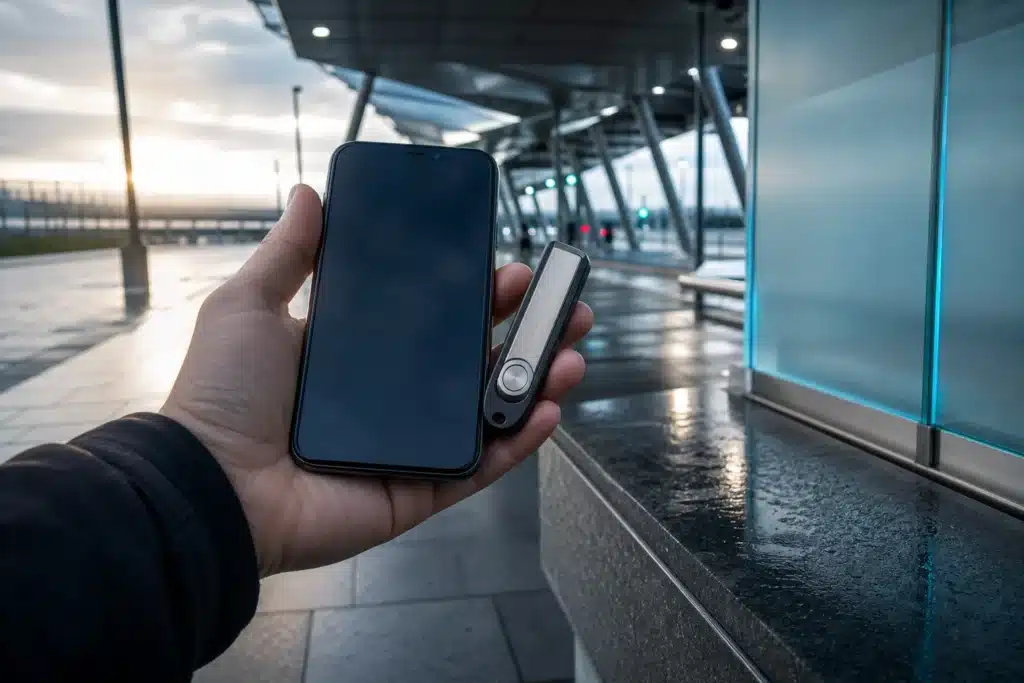
For a sensitive transaction in a mobile app, CISA advises using cellular data instead of unsecured Wi-Fi. Apps don’t show an HTTPS indicator, so you can’t use the same browser cue to check the connection. Disable Wi-Fi on your phone before opening the app to ensure it uses cellular data.
If public Wi-Fi is the only practical option, use a VPN from a provider you trust, as CISA recommends. Turn off Wi-Fi auto-connect so your device doesn’t join networks without your knowledge. CISA also advises logging out when finished and checking for HTTPS on every webpage, not just the login page. These steps reduce exposure but do not establish that a network or website is safe.
The FTC recommends strong passwords, two-factor authentication when available, and keeping your operating system, browser and security software up to date. Those protections help secure accounts beyond a single Wi-Fi session.
Protect the wallet, not just the connection
A secure network can’t protect an exposed recovery phrase. MetaMask says a newly created wallet’s Secret Recovery Phrase has 12 words, and anyone who obtains it can control that wallet. Never type it into a Wi-Fi login page, share it with support or send it to someone claiming to fix a connection or wallet problem.
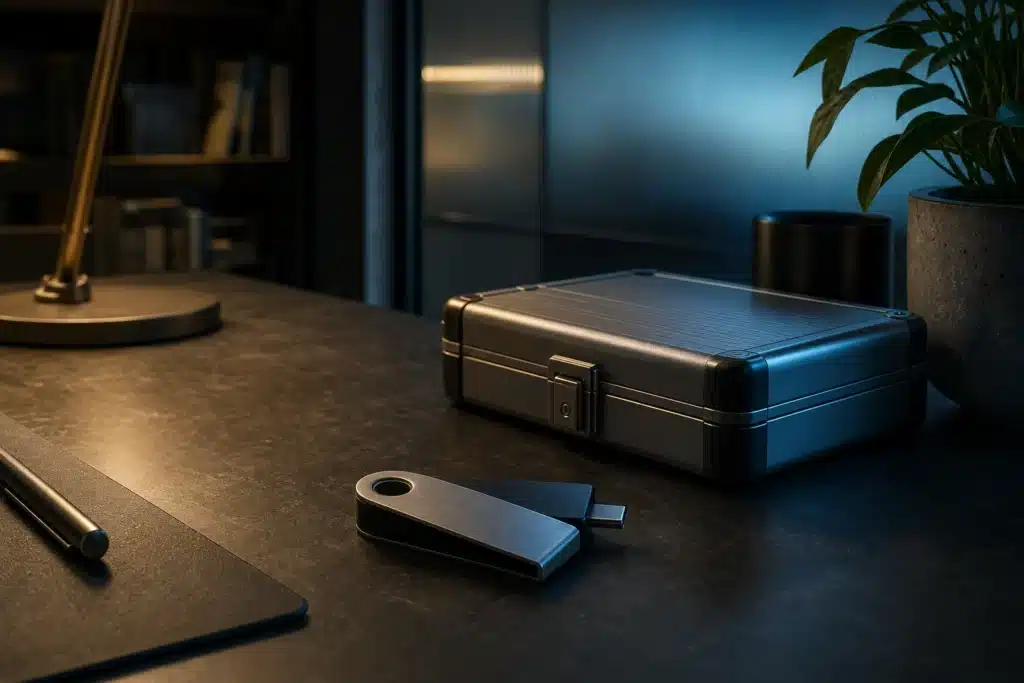
MetaMask recommends keeping the phrase offline rather than in cloud storage, and keeping browsers, operating systems and wallet software updated. It also says hardware wallets keep private keys offline and require physical possession of the device to sign transactions. That adds a barrier to online attacks, but doesn’t make every transaction safe.
Exchange accounts and self-custody wallets use different security arrangements. Use a unique password for an exchange account and enable two-factor authentication when available. Keep account and wallet details private, and check that you are using the intended service before entering credentials.
Pause before approving a transaction
Once connected, check that you’re using the intended wallet or exchange service. Read the transaction details shown in the wallet before approving anything. Stop if an unfamiliar page, extension or support request asks for your recovery phrase. No Wi-Fi prompt needs that secret to provide internet access.
Public Wi-Fi is only one part of the risk. Crypto prices are volatile, and users can lose funds through scams, exchange failures or smart contract problems. A VPN or hardware wallet doesn’t prevent those risks, and no connection method promises funds are safe.
Protecting the connection is useful, but the device, service and transaction also need scrutiny. Review what a wallet is asking you to approve, and pause if the request is unexpected or unclear.
What to do after using a shared network
Log out of the wallet or exchange when your session ends, as CISA advises, and turn off Wi-Fi auto-connect if it’s enabled. Don’t save your password on a shared device. On your own device, install operating system, browser and wallet updates from their official sources.
If you entered credentials on a suspicious page, use a trusted connection to secure the affected account and contact the service through its official channels. Never give anyone your recovery phrase, even if they claim they can reverse a transaction or restore access. Crypto laws and tax rules differ by country, so consult a qualified professional about your circumstances.
Frequently asked questions
Is it safe to check a crypto balance on public Wi-Fi?
Checking a balance still involves a connection and may require signing in. Use cellular data where possible, or follow CISA’s VPN guidance and check that the website uses HTTPS.
Can a VPN make crypto safe on public Wi-Fi?
No. CISA recommends a VPN for public Wi-Fi, but it doesn’t verify a website is genuine or protect a recovery phrase you disclose. It also can’t prevent exchange, scam or smart contract risks.
Should I enter my wallet recovery phrase to connect to Wi-Fi?
No. A Wi-Fi network has no legitimate need for a wallet recovery phrase. MetaMask says anyone who gets its Secret Recovery Phrase can control the wallet, so never enter or share it in response to a network prompt or support request.
Is cellular data safer than public Wi-Fi for a crypto app?
CISA advises using cellular data rather than unsecured Wi-Fi for sensitive mobile-app transactions. This avoids using the public network for that activity, though other account and wallet risks remain.
Sources
- Using Wireless Technology Securely (www.cisa.gov)
- Emergency Services Sector Cybersecurity Best Practices: Wi-Fi Best Practices (www.cisa.gov)
- Best Practices for Using Public WiFi (www.cisa.gov)
This article is for informational purposes only and does not constitute financial or investment advice. Cryptocurrencies are highly volatile; always do your own research before investing.