
























Last updated: November 25, 2026
This crypto wallet malware detection guide focuses on the warning signs users can check before a transaction is signed. Malware may replace a copied address, steal sensitive wallet information or arrive through a browser extension, so checking the device and the transaction both matter.
Quick answer
Look for unexpected wallet extensions, suspicious device activity and a recipient address that changes after copying. Verify the full address, amount and fees on the wallet’s confirmation screen, and treat security alerts as one warning layer, not as proof that a transaction is safe.
Crypto wallet malware detection guide: step-by-step checks
Use these checks if you suspect malware or want to review your setup before sending funds. Don’t enter a recovery phrase into a website or a support chat to test whether a wallet is safe.
- Review recent downloads and extensions. Check your browser’s installed extensions and your device’s recent installers. Remove items you don’t recognize, especially if they were installed around the time suspicious wallet activity began. Mozilla advised Firefox users in May 2025 to install wallet extensions through links from the wallet’s official website. McAfee reported in June 2026 that an active campaign used unsigned installers to deploy a malicious Chromium extension disguised as a “Google Notes” utility.
- Check for clipboard substitution. Copy a recipient address, then compare it with the address shown in the wallet before confirming. Don’t rely on the first and last characters alone if you can verify the full address. Microsoft reported on June 17, 2026, that a Windows crypto clipper active since February 2026 monitored the clipboard about every 500 milliseconds and could replace copied cryptocurrency addresses.
- Look for suspicious device behavior. Unexpected script processes, PowerShell screen-capture activity, clipboard inspection or unfamiliar network traffic can be warning signs. Microsoft identified these behaviors in its analysis of that clipper, including SOCKS5 traffic through localhost:9050. A single unusual process doesn’t prove infection, but unexplained activity deserves investigation using trusted security software or qualified technical support.
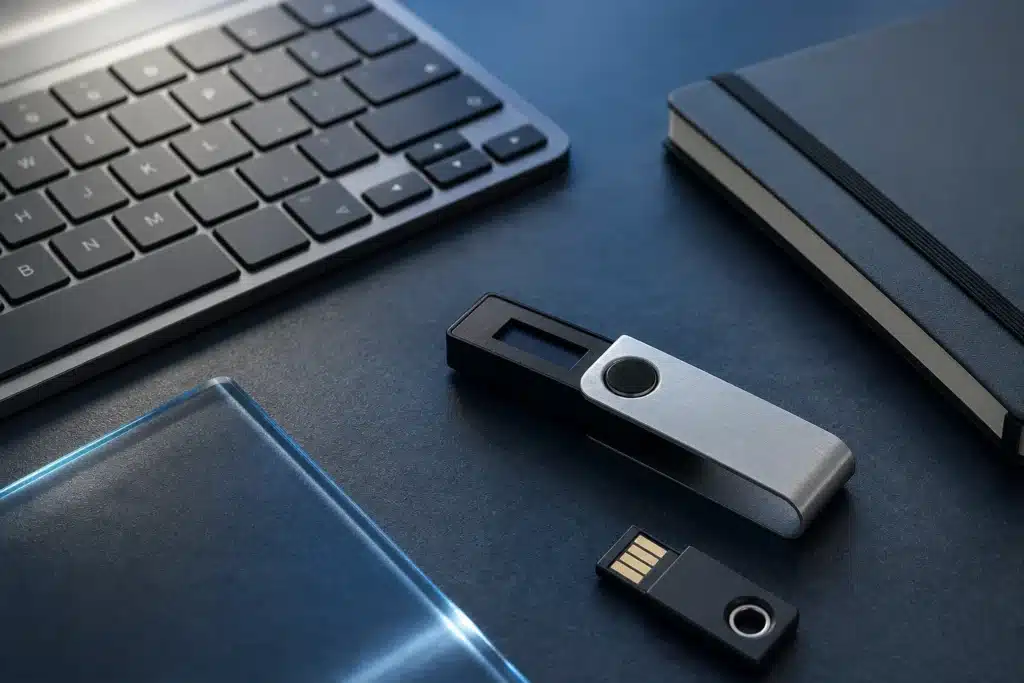
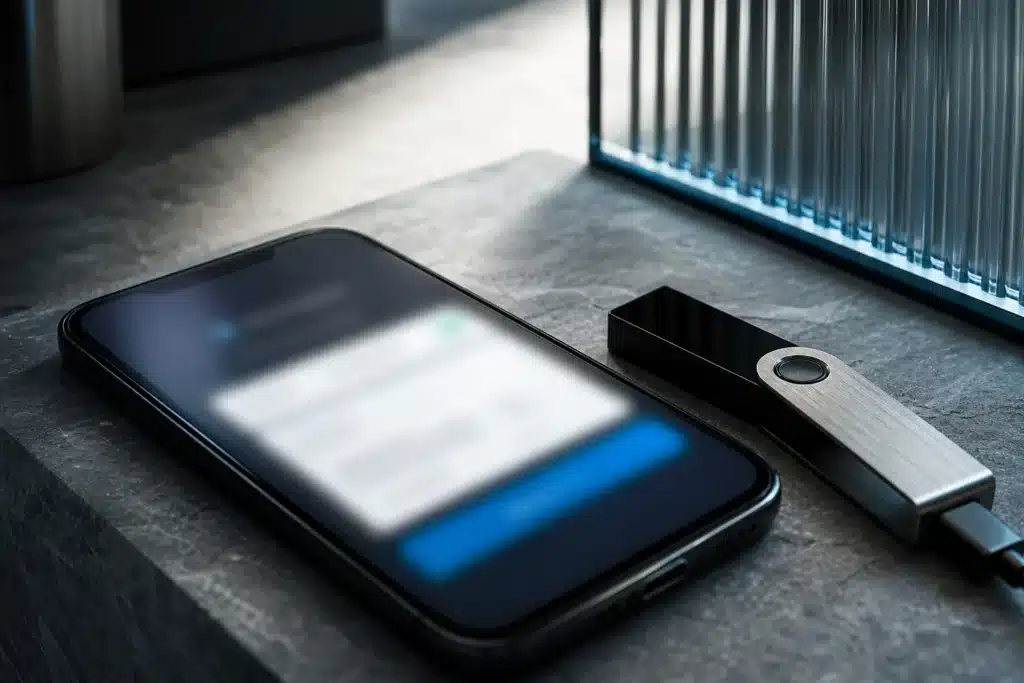
- Verify the transaction on the signing device. Compare the recipient, amount and fees shown on the wallet’s confirmation screen with the details you intended to send. Ledger’s transaction guidance, last updated May 13, 2026, specifically recommends checking for clipboard substitution and verifying those details on a hardware-wallet screen. A hardware device can help you review what you are signing, but it cannot make an incorrect transaction safe to approve.
- Read wallet security alerts carefully. MetaMask says its alerts are enabled by default in its extension and mobile apps, and can flag malicious websites and transactions. MetaMask cautions that alerts may miss threats and do not prevent users from proceeding. An alert is a reason to pause and inspect the request, not proof that every unflagged site or transaction is safe.
- Review token approvals. Check which smart contracts have permission to use tokens in your wallet, and investigate approvals you no longer recognize. MetaMask recommends checking approvals regularly, for example monthly. Revoking an approval requires an on-chain transaction and gas fees, according to MetaMask, so review the transaction details before confirming.
What each check can and can’t tell you
No single scan or alert can establish that a wallet is free of malware. These checks cover different parts of the risk: the computer, the browser, the transaction and existing contract permissions.
| Check | What it may reveal | Important limit |
|---|---|---|
| Extension and installer review | Unfamiliar or deceptive software | A clean-looking list doesn’t prove the device is clear |
| Address comparison | Clipboard substitution before a transfer | It won’t identify every kind of malware |
| Wallet security alert | A flagged site or transaction | MetaMask says alerts can miss threats and don’t prevent action |
| Approval review | Existing token permissions to check | Revocation takes an on-chain transaction and gas fees |
| Hardware-wallet screen | Recipient, amount and fees presented for signing | It can’t correct details a user approves without checking |
Common mistakes and risks
Trusting the clipboard. A copied address can be replaced between copying and pasting. McAfee’s June 30, 2026 report described a campaign that swapped wallet addresses before users pasted them. Compare the address at the point of signing, not only where it was copied.
Assuming an alert means protection is complete. Wallet warnings can help identify danger, but MetaMask says they may not catch every malicious site or transaction. A lack of an alert isn’t confirmation that a request is legitimate.
Installing extensions from search results or unsolicited links. Mozilla’s Add-ons Operations team described an early-detection system for scam extensions and advised installing a wallet add-on through a link from the wallet’s official website. Check the publisher and permissions before adding software.
Ignoring what a transaction grants. A transaction may involve token permissions as well as a transfer. Review the request before signing. Crypto transactions can be difficult or impossible to reverse, and malware, scams, exchange failures and changing regulations can lead to financial loss. No detection method removes those risks.

FAQ
How can I tell if my crypto wallet has malware?
Look for unfamiliar extensions or installers, unexpected clipboard behavior, address changes after copying, and suspicious device activity. These are warning signs, not a definitive diagnosis. Microsoft’s 2026 clipper analysis lists clipboard inspection and address replacement among observed behaviors.
Can antivirus detect crypto wallet malware?
Security software may help identify suspicious files or activity, but the research cited here doesn’t establish that any product detects every wallet threat. Browser extensions, clipboard changes and transaction details need separate checks. Don’t treat a clean scan as proof that a wallet or device is safe.
What should I do if a wallet address changes after I copy it?
Don’t sign or send to the changed address. Pause the transaction, close suspicious pages and review recent extensions and downloads. If you suspect a device is compromised, use a separate trusted device to seek help from the wallet provider’s official support channel. Never share a seed phrase or private key with support staff.
Sources
- Crypto Clipper uses Tor and worm-like propagation for persistence and control (www.microsoft.com)
- Silent Swap: A Crypto Clipper Extension Campaign (www.mcafee.com)
- How to manage security alerts to protect your wallet (support.metamask.io)
This article is for informational purposes only and does not constitute financial or investment advice. Cryptocurrencies are highly volatile; always do your own research before investing.