

























Last updated: November 26, 2026
For crypto wallet passkeys, the key distinction is whether a passkey unlocks an existing wallet or acts as a signer for a smart wallet. It uses public-key cryptography and device verification, but it doesn’t automatically replace a recovery phrase or work with every wallet and blockchain.
Quick answer: How crypto wallet passkeys work
A passkey proves control of a cryptographic credential using a device check such as a biometric or PIN. In one wallet, it may unlock encrypted wallet data; in another, a smart contract may validate its signature to authorize an operation. The wallet’s recovery design still matters.
How crypto wallet passkeys work, step by step
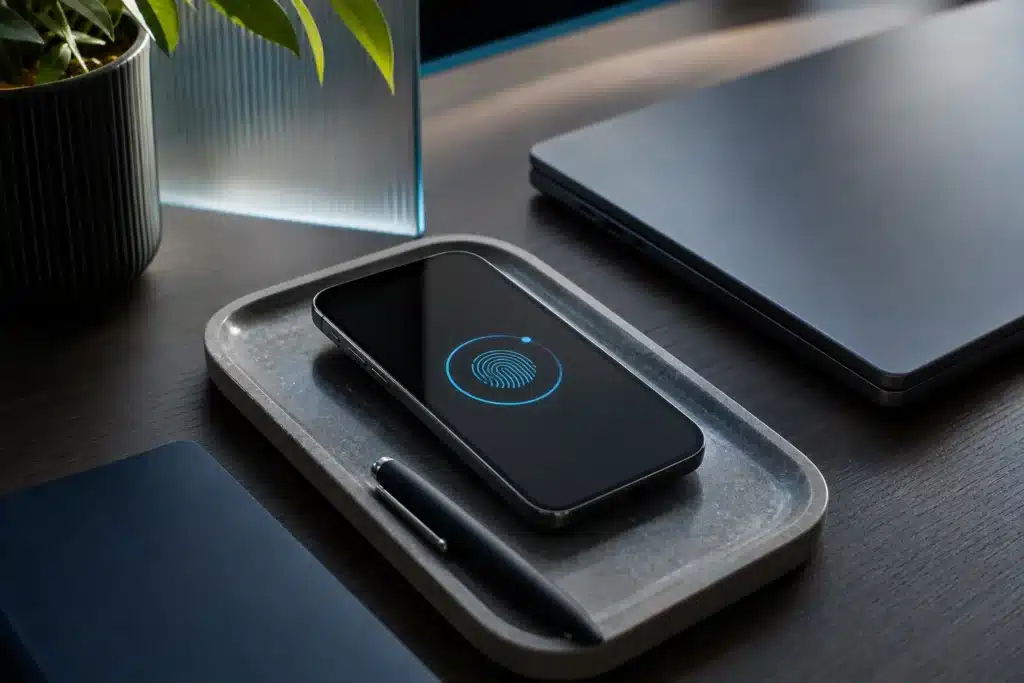
Google for Developers explains that a passkey consists of a public and private key pair. The wallet or service registers the public key, while the passkey provider keeps the private key. The device check confirms the user’s presence or identity to use that credential. A fingerprint or face scan is not itself the private key.
- The wallet creates a credential. During setup, the wallet asks the device or passkey provider to create a passkey for the wallet’s app or website. The public key is registered with the service, while the private key remains protected by the provider’s system.
- You verify on your device. When prompted, you approve with a supported biometric or PIN. The device uses the passkey to produce cryptographic proof. Your biometric template is not the wallet’s public key, and the passkey isn’t simply a password saved in a form.
- The wallet checks the proof. A conventional wallet may use the passkey to unlock local encrypted data, while a smart wallet can use it as a transaction signer. Those are different designs, so the setup screen and wallet documentation matter.
- A smart wallet validates the action. Ethereum’s ERC-4337 describes smart-contract accounts that validate signed UserOperations. A bundler can package validated operations into an on-chain handleOps transaction. In a passkey wallet, account-specific contract logic can check the passkey signature before accepting an operation.
That last step helps explain why a passkey wallet may behave differently from a standard externally owned account. The wallet contract has to support the relevant signature method. Ethereum’s EIP-7951 specifies precompile support for ECDSA verification on the secp256r1, or P-256, curve used by modern secure hardware and FIDO2/WebAuthn devices. The proposal doesn’t mean every blockchain or wallet supports that curve.
Passkey, password and recovery phrase compared
Crypto wallet passkeys can simplify a login or signing step, but they aren’t interchangeable with every other wallet credential. MetaMask Extension’s documentation, as of November 26, 2026, describes its passkey as an unlock layer for an existing encrypted vault. Its Secret Recovery Phrase remains separate, and a password remains a fallback.
| Credential | What it can do | What to check |
|---|---|---|
| Passkey | Authenticate access or, in a supported smart wallet, authorize an operation. | Where it’s stored, whether it syncs, and how the wallet recovers access. |
| Password | May unlock or protect wallet data, depending on the wallet design. | Whether it is a fallback and how it is stored or reset. |
| Recovery phrase | Can restore or change wallet access in some wallet designs. | Follow the wallet’s documented recovery process and protect it from disclosure. |
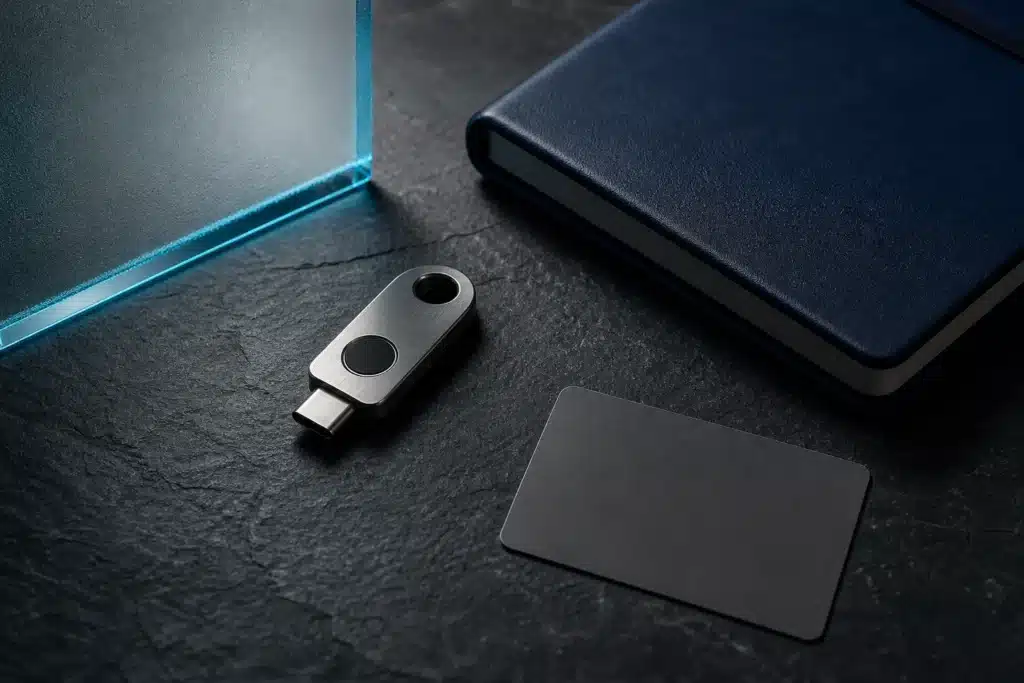
Coinbase’s Base Smart Wallet documentation says passkeys saved with iCloud Keychain or Google Password Manager may be available on other devices that can access the same provider account. It also says some device-specific passkeys don’t sync. This is why users shouldn’t assume that a phone passkey automatically exists on a replacement device.
Common mistakes and risks with crypto wallet passkeys
- Assuming a passkey replaces the recovery phrase. That depends on the wallet. MetaMask’s documented extension setup keeps the phrase separate; its passkey unlocks the encrypted vault rather than replacing that recovery method.
- Confusing a biometric prompt with transaction approval. A prompt may authenticate access, but a wallet can still show a separate transaction or signing request. Read what the wallet is asking you to authorize.
- Expecting every passkey to sync. Coinbase notes that availability on other devices depends on the passkey provider and credential type. Losing a device can therefore create an access problem if recovery wasn’t set up.
- Ignoring contract and network details. Smart-wallet behavior depends on the wallet’s contract logic and supported network. A contract flaw, mistaken approval, provider-account compromise, or unavailable recovery path can put access or funds at risk. Passkeys can help resist phishing, but they do not eliminate all scam or security risks.
Google says passkeys are tied to the app or website identity for which they were created, and the browser and operating system restrict their use to that registered identity. This helps resist phishing, but it doesn’t protect someone who approves a malicious transaction inside a legitimate wallet. Review the wallet’s signing prompt carefully before authorizing an action.
Recovery may involve on-chain steps. As of November 26, 2026, Coinbase documents a Base Smart Wallet process in which a user can set up a recovery phrase while the original passkey still works, then use that phrase to add another passkey. Coinbase says setup requires a network fee for each chain in use. Wallet procedures vary, so review the documented recovery route before a device is lost.

Crypto wallet passkeys FAQ
Are crypto wallet passkeys the same as seed phrases?
No. A passkey is a credential based on a public-private key pair and device verification. A recovery phrase is a separate recovery method in wallets that support one. Some passkey wallets use contract-based recovery, while others use the passkey to unlock an existing wallet vault.
Can a passkey sign a crypto transaction?
It can, if the wallet is designed to use passkey signatures for transaction authorization. A passkey may instead only unlock local wallet data. Check the specific wallet’s documentation rather than assuming every biometric prompt signs a blockchain transaction.
What happens if I lose the device holding my passkey?
The answer depends on whether the passkey syncs through a provider and what recovery options the wallet supports. Coinbase documents adding a new passkey to its Base Smart Wallet through a recovery phrase, with network fees for the chains involved. Other wallets can use different processes, so confirm the documented recovery route in advance.
Sources
- Passkeys | Google for Developers (developers.google.com)
- Passkeys | Google for Developers (developers.google.com)
- ERC-4337: Account Abstraction Using Alt Mempool (eips.ethereum.org)
This article is for informational purposes only and does not constitute financial or investment advice. Cryptocurrencies are highly volatile; always do your own research before investing.