



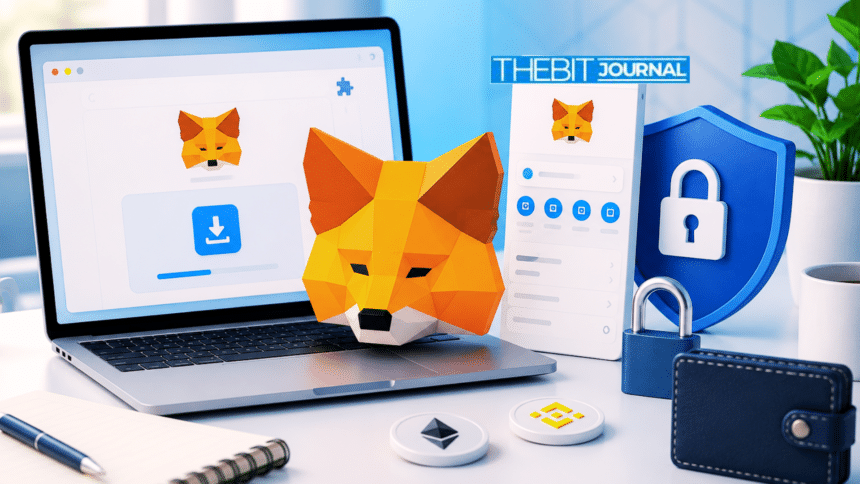

MetaMask extension remains one of the most widely used browser wallets for accessing Web3 applications. Proper installation and configuration are essential because security mistakes can expose digital assets before users complete their first blockchain transaction.
The wallet enables users to create or import a self-custody wallet, manage digital assets, and interact with decentralized applications through supported desktop browsers. Understanding each stage of the setup process, along with the security checks involved, can help users reduce common risks associated with Web3 transactions.
What Does MetaMask Extension Offer to New Users?
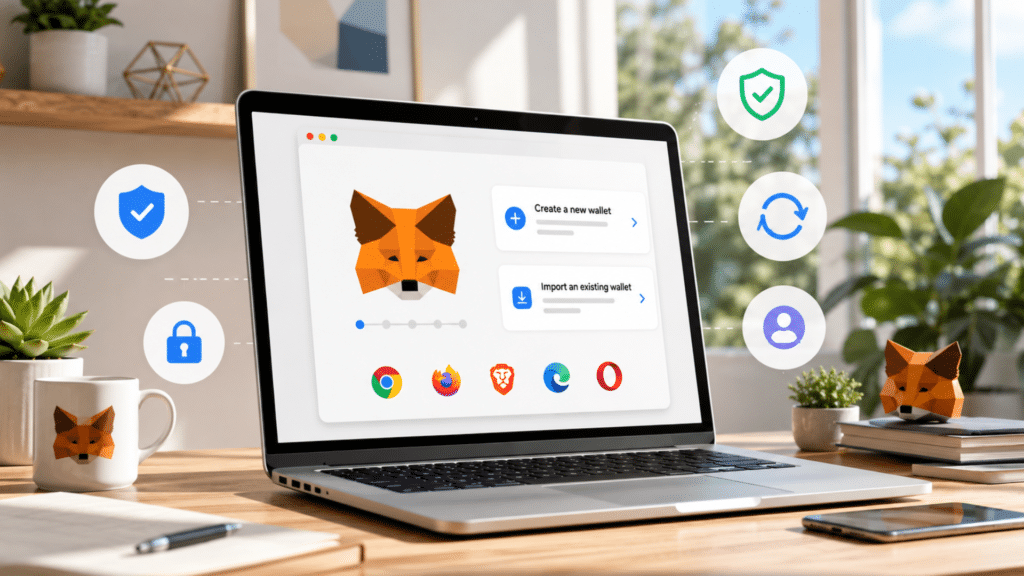
MetaMask extension allows users to create a new self-custody wallet or import an existing one while accessing decentralized applications through Chrome, Firefox, Brave, Edge, and Opera browsers. The wallet should only be downloaded from the official MetaMask website or the verified browser extension store.
Installing an unofficial version can expose users to fake wallet extensions that are designed to capture Secret Recovery Phrases during setup. Chrome-based users can verify the genuine extension by checking that the official listing URL ends with the identifier nkbihfbeogaeaoehlefnkodbefgpgknn. Users should also avoid downloading wallet files shared through chat messages, PDF documents, advertisements, or unofficial links.
Any website, popup, social media account, or individual requesting a Secret Recovery Phrase during installation should be treated as fraudulent. After installation, users are encouraged to pin the extension only after confirming it is the official version.
Locking the wallet whenever stepping away from the device adds another layer of protection, while unlocking should always be done with the local password rather than the Secret Recovery Phrase. Updates should come only through the browser’s official extension store, and users who regularly interact with Web3 applications may benefit from using a dedicated browser profile to minimize extension conflicts.
How Should Users Create or Import a Wallet?
Users can either generate a new wallet or restore an existing one using a Secret Recovery Phrase, private key, JSON file, or supported Google or Apple account options where available. The process begins by verifying the extension source before accepting the terms.
Users then choose whether to create or import a wallet, set a password for the current browser profile, securely write down the Secret Recovery Phrase offline, confirm it only within the official setup screen, and add additional accounts only when necessary.
A password only protects the wallet on the current browser profile. The Secret Recovery Phrase is the credential required to restore access on another device. A private key controls one individual account, while the wallet address is designed only for receiving digital assets and can be shared publicly.
One important distinction involves imported private-key accounts. Those accounts will not automatically return if users later restore the wallet using only the original Secret Recovery Phrase. They must be imported separately.
The normal workflow begins with downloading the official wallet, creating or importing an account, setting a password, backing up the Secret Recovery Phrase, receiving funds, connecting to decentralized applications, approving signatures or transactions, and completing irreversible blockchain transactions. Any website that skips these steps and immediately requests a Secret Recovery Phrase after a wallet connection should be considered a scam.
How Can Users Send, Receive, and Manage Digital Assets Securely?
Receiving digital assets requires both the wallet address and the correct blockchain network. Before accepting a transfer, users should verify the selected account, confirm the active network, ensure the sender chooses the matching withdrawal network, conduct a small test transfer before sending larger amounts, import missing tokens using verified contract addresses if required, and retain the transaction hash for future tracking.
Stablecoins such as USDT and USDC operate across multiple blockchain networks, making network selection particularly important before transfers are completed. Bitcoin also operates differently and cannot be received through an Ethereum-style MetaMask wallet address.
When sending funds, users should manually compare the recipient address, verify the selected token, review the destination network, confirm the amount and gas fee, reject unexpected transaction details generated by decentralized applications, and save the transaction hash after confirmation. A small test transfer can help detect address or network mistakes before larger balances are moved.
If a received token does not appear, it may simply be a display issue rather than a failed transfer. Users should only add custom networks through trusted decentralized applications or official project sources. Before saving a network, they should verify the chain name, chain ID, currency symbol, and block explorer.
Tokens should always be imported using verified contract addresses instead of relying on names, logos, or tickers. Unsolicited airdropped tokens should also be treated with caution until their contracts are verified.
MetaMask supports ETH-based tokens, SOL, and selected other assets, although the user experience is not identical across every supported blockchain. Users whose activity is focused primarily on Solana may find Solana-native wallets better suited to their needs.
How Do Decentralized Applications and Token Approvals Work?
Connecting MetaMask extension to a decentralized application allows the platform to view the selected wallet address. The connection itself does not authorize transfers of digital assets. Separate actions such as signing messages, confirming blockchain transactions, approving token spending, or approving NFT collections each provide different permissions.
Token approvals are commonly required on decentralized exchanges because smart contracts need authorization before moving tokens on a user’s behalf. Users should review the requesting contract, inspect the spending limit, and verify the approval details before confirming any request. Disconnecting from a decentralized application only removes the active browser connection, while previously granted token approvals remain active on the blockchain until they are revoked separately.
Users can review permissions through MetaMask Portfolio or another trusted approval checker, choose the appropriate blockchain network, inspect spending permissions, revoke approvals that are no longer required, confirm the blockchain transaction, and verify that permissions have been removed.
Revoking approvals requires payment of blockchain gas fees. Users should not revoke permissions while an active swap, bridge, staking transaction, or marketplace listing still depends on them. Those activities should be completed before unused permissions are removed.
What Security Practices Should Users Follow Before Funding a Wallet?
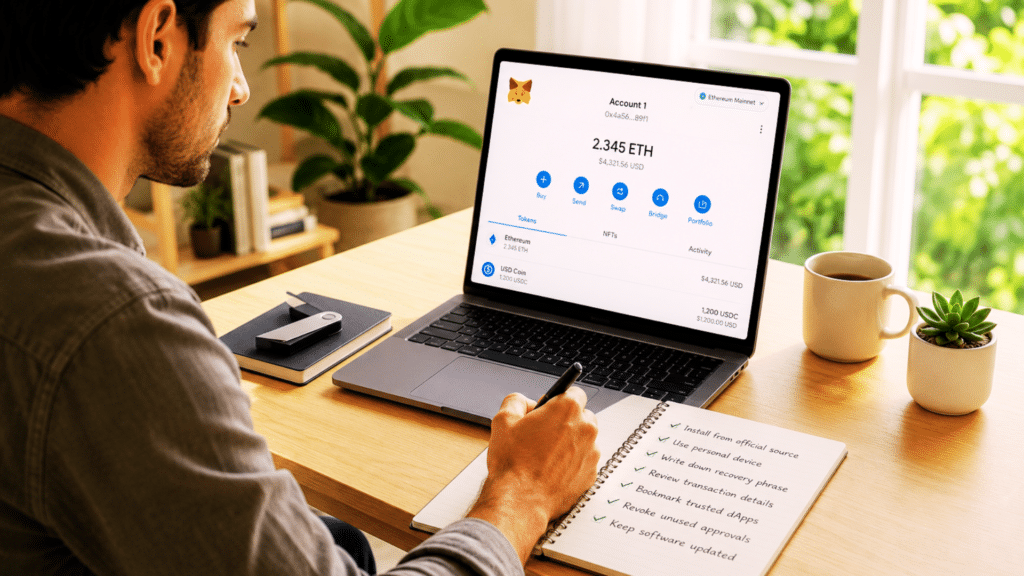
MetaMask extension security depends on careful preparation before digital assets are deposited. Users should install the wallet only from official sources, use a personal device instead of a shared computer, write the Secret Recovery Phrase on paper rather than storing it digitally, and remove unfamiliar browser extensions before funding the wallet.
Every transaction should include a review of the recipient address, blockchain network, token contract, gas fee, and transaction amount before confirmation. Trusted decentralized application websites should be bookmarked instead of searched repeatedly. Unexpected popups should always be rejected, even when they appear on familiar websites.
On Brave, the browser’s built-in Web3 wallet can intercept connection requests before MetaMask appears. If a decentralized application cannot detect the wallet, users should first review Brave’s default Web3 wallet settings before troubleshooting inside MetaMask. Users should also review old token approvals regularly and revoke permissions that are no longer needed.
If technical issues occur, troubleshooting should begin by confirming that the extension is installed and enabled, checking the correct browser profile, verifying browser wallet settings, restoring access with the Secret Recovery Phrase if the password has been forgotten, confirming the selected network, and reopening the wallet directly from the pinned extension icon.
Users should never enter a Secret Recovery Phrase into any screen reached through a support link, search advertisement, forum post, or direct message. For account recovery or technical assistance, the official support portal at support.metamask.io should be used instead of links received through social media or messaging platforms. If a Secret Recovery Phrase has already been exposed, the safest approach is to create a new wallet on a clean device, move any remaining assets immediately, and permanently stop using the compromised credentials.
Conclusion
MetaMask extension demonstrates that protecting digital assets depends on careful decisions made throughout the entire wallet lifecycle rather than during a single transaction. Downloading the wallet from verified sources, securing recovery credentials offline, understanding the differences between passwords, private keys, and Secret Recovery Phrases, verifying transaction details, and reviewing token approvals all contribute to stronger account security.
Regular maintenance, cautious interaction with decentralized applications, and prompt action when suspicious activity appears can significantly reduce avoidable risks. Following these practices helps users maintain greater control over their assets while navigating the growing Web3 ecosystem more safely.
Glossary
MetaMask Extension: A browser wallet for accessing Web3 apps.
Self-Custody Wallet: A wallet where users control their own private keys.
Gas Fee: A fee paid to complete blockchain transactions.
EVM: A system that runs Ethereum-based networks.
Custom Network: A blockchain added manually to a wallet.
Frequently Asked Questions About MetaMask Extension
Is MetaMask Extension a self-custody wallet?
Yes, MetaMask Extension is a self-custody wallet where users control their own private keys and recovery phrase.
Where should users download MetaMask Extension?
Users should download MetaMask Extension only from the official MetaMask website or verified browser extension stores.
Can anyone access a MetaMask wallet without the Secret Recovery Phrase?
No, anyone with access to the Secret Recovery Phrase can control the wallet and its assets.
Can MetaMask store all cryptocurrencies?
No, MetaMask supports many blockchain assets, but it does not support every cryptocurrency or network.
Can users recover a forgotten MetaMask password?
Yes, users can restore their wallet with the Secret Recovery Phrase if they forget their MetaMask password.
Sources